
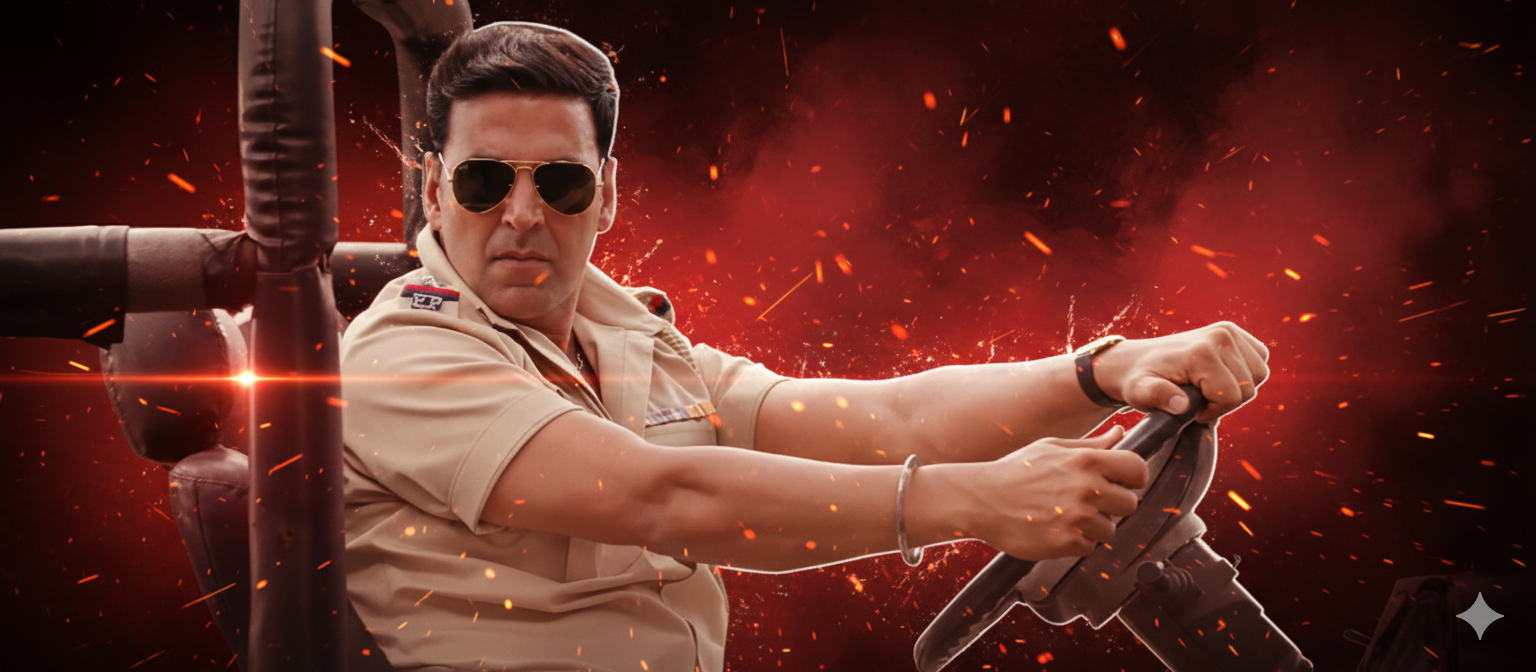
आपने आजकल देखा होगा कि लोग यू ट्यूब पर इंस्टाग्राम पर अपनी Intro Video बनाके अपलोड कर रहे हैं जो कि बहुत ही कूल लगती है और सबसे बड़ी बात ये है की ऐसी वीडियो बनाने के लिए बहुत ज्यादा मेहनत और घंटों लगते थे।लेकिन अब AI का दौर है।और ये की मदद से आप ऐसे इनटू वीडियो कुछ ही देर में बना सकते हो वो भी बिल्कुल फ्री में आज के इस आर्टिकल में हम देखेंगे कि कैसे आप एआई की मदद से ऐसे शानदार Intro वीडियो बना सकते हो।
चलिए जानते हैं इसको बनाते कैसे हैं बहुत ही सिंपल स्टेप हैं जो आपको करने हैं और उसके बाद आपकी एक intro video बनके तैयार हो जाएगी उसके लिए आपको करना क्या है step by step हम देखेंगे तो सबसे पहले आपको जो भी आप वीडियो एडिट कर रहे हैं या फिरजिस फ्रेम का intro बनाना है ।जैसे कोई एक सिंगल फोटो तो उसका लास्ट फ्रेम आपको अपने पास रखना है। यानी की या तो आप उसका स्क्रीन शॉट ले लीजिए या फिर उसको आप लास्ट फ्रेम को फ्रीज़ कर दीजिए। उसके बाद आपको google gemini पे जाना है पर वहाँ जाकर अपने फोटो को अपलोड करना है। और नैनो बनाना का ऑप्शन सेलेक्ट करना है। उसके बाद आपको जरूरत पड़ेगी एक prompt की। इस prompt के जरिए ही आपकी जो एक नॉर्मल सी इमेज है। वो intro वाली इमेज बन जाएगी। तो इस प्रोमोट को ध्यान से आपको पेस्ट करना है। prompt नीचे दिया गया है इसको सिम्पल कॉपी करके जेमिनी पे जाके उसको पेस्ट कर देना है
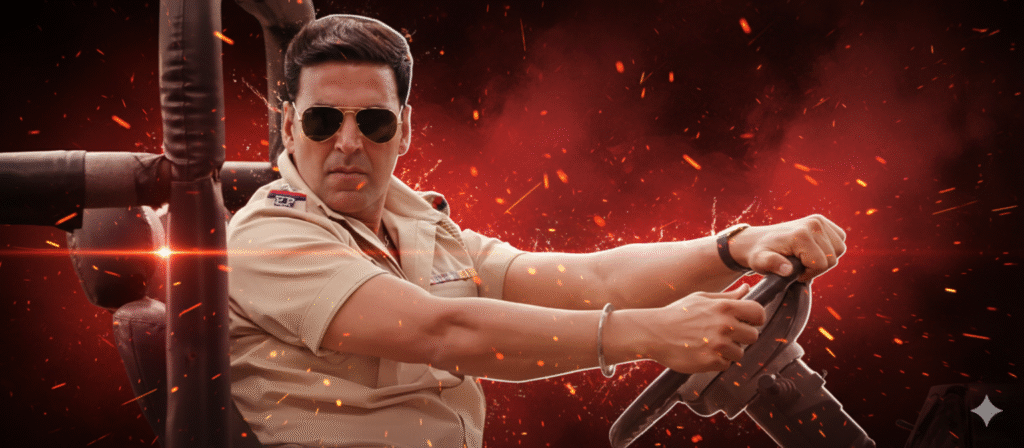
Prompt – Use the uploaded image as an ABSOLUTE reference. The person in the uploaded image must remain EXACTLY THE SAME. DO NOT change: – face – facial features – skin tone – beard or hair – clothes – outfit color – jacket – pose – body shape – camera angle – expression The uploaded photo must be preserved 1:1. ONLY change the background. Background: Ultra-cinematic dramatic animated background inspired by high-end movie posters, deep red and black color palette, intense smoky textures, abstract paint splash effects, glowing ember particles, cinematic fog, dynamic light streaks and energy texture, high contrast, premium poster-style composition. Style: Ultra-detailed cinematic animated realism, high-quality digital art texture, realistic lighting but stylized background, sharp edges, premium color grading, HDR look, professional movie poster finish. Lighting: Strong cinematic rim light behind the subject, background glow only, subject lighting must remain natural and unchanged. Camera: Keep original framing and perspective from uploaded image, full-body remains exactly same. STRICT RULES: – Do NOT change clothes – Do NOT stylize the face – Do NOT enhance facial features – Do NOT add text, name, logo, watermark – Do NOT replace the person – Background must NOT come from the uploaded image The result should look like: same real photo + cinematic animated background layer only Ultra high quality, perfect edges, clean separation. Negetive prompt —— face change, outfit change, clothes change, jacket change, style transfer on face, cartoon face, anime, AI face, beauty enhancement, skin smoothing, text, logo, watermark, blur, low quality, extra hands, extra legs, distortion
इस पूरे prompt को gemini मैं paste करने के बाद आपकी एक शानदार इमेज बन जाएगी जिसको आपको डाउनलोड करना है। डाउनलोड करने के बाद उसको दोबारा से अपने एडिटिंग सॉफ्टवेयर में ले के आना। है और वहाँ पर लास्ट प्रेम से रिप्लेस करना है। और उसके साथ थोड़ा सा एडजस्टमेंट करना है। जिससे आपकी जो इमेज है और शानदार लगेंगी और उसपे आप अपने पसंद की फिल्टर या फिर वीडियो इफेक्ट लगाकर एंड टेक्स्ट लगाकर उसको एक पूरा वीडियो में कन्वर्ट कर सकते हो। और ऐसे आपकी एक शानदार इंट्रो वीडियो बनके रेडी हो जाएगी। बाकी ये जानकारी आपको कैसी लगी कमेंट में जरूर बताएं अपने सुझाव हमें फीडबैक में जरूर भेजें। और आर्टिकल पढ़ने के लिए बहुत बहुत धन्यवाद।